Desk
Branded mouse mats with your logo
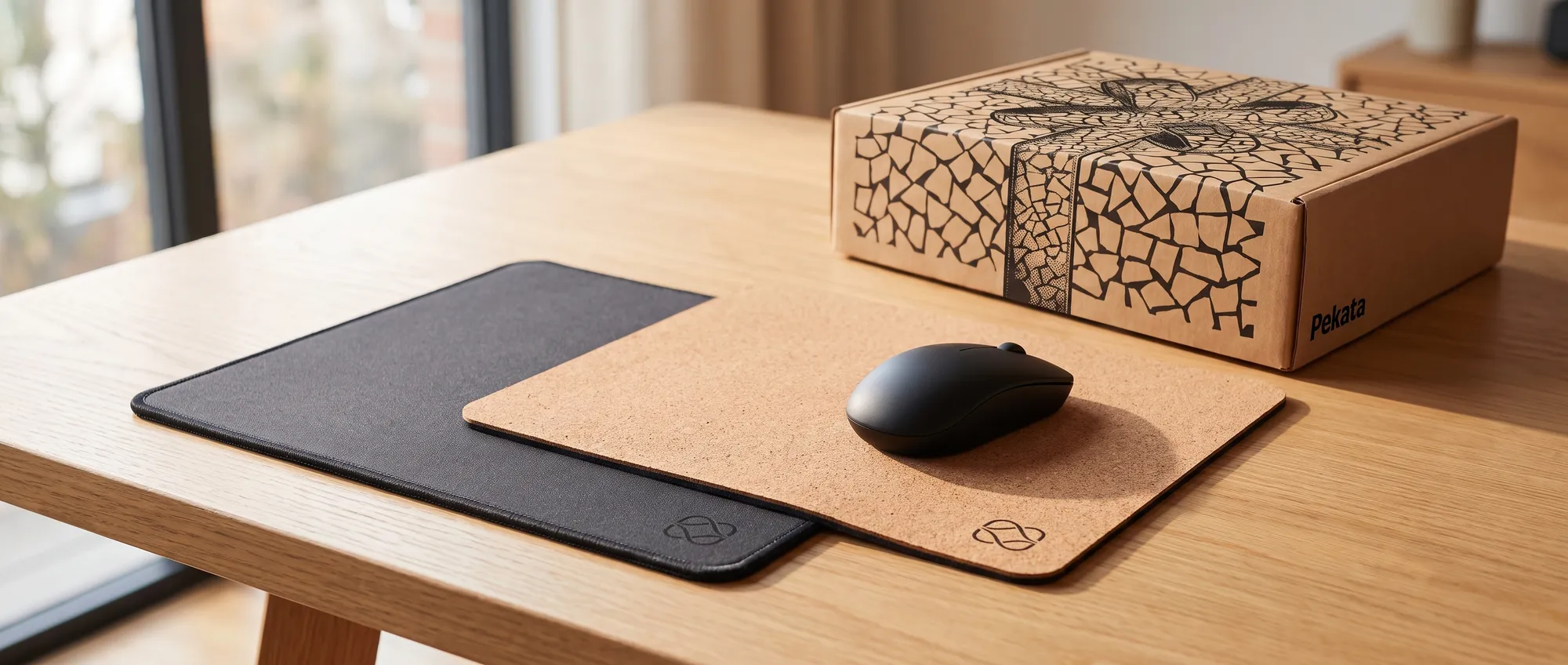
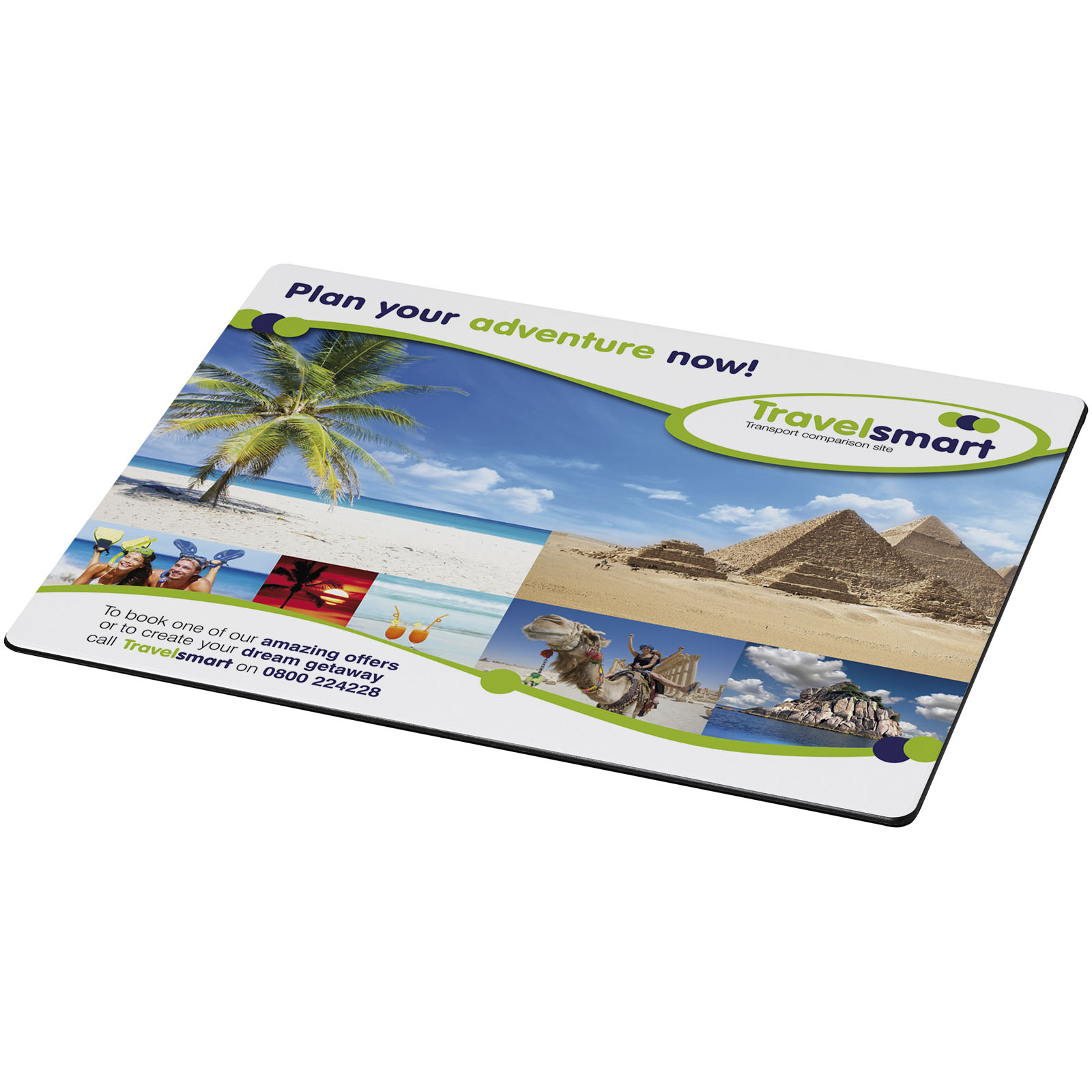
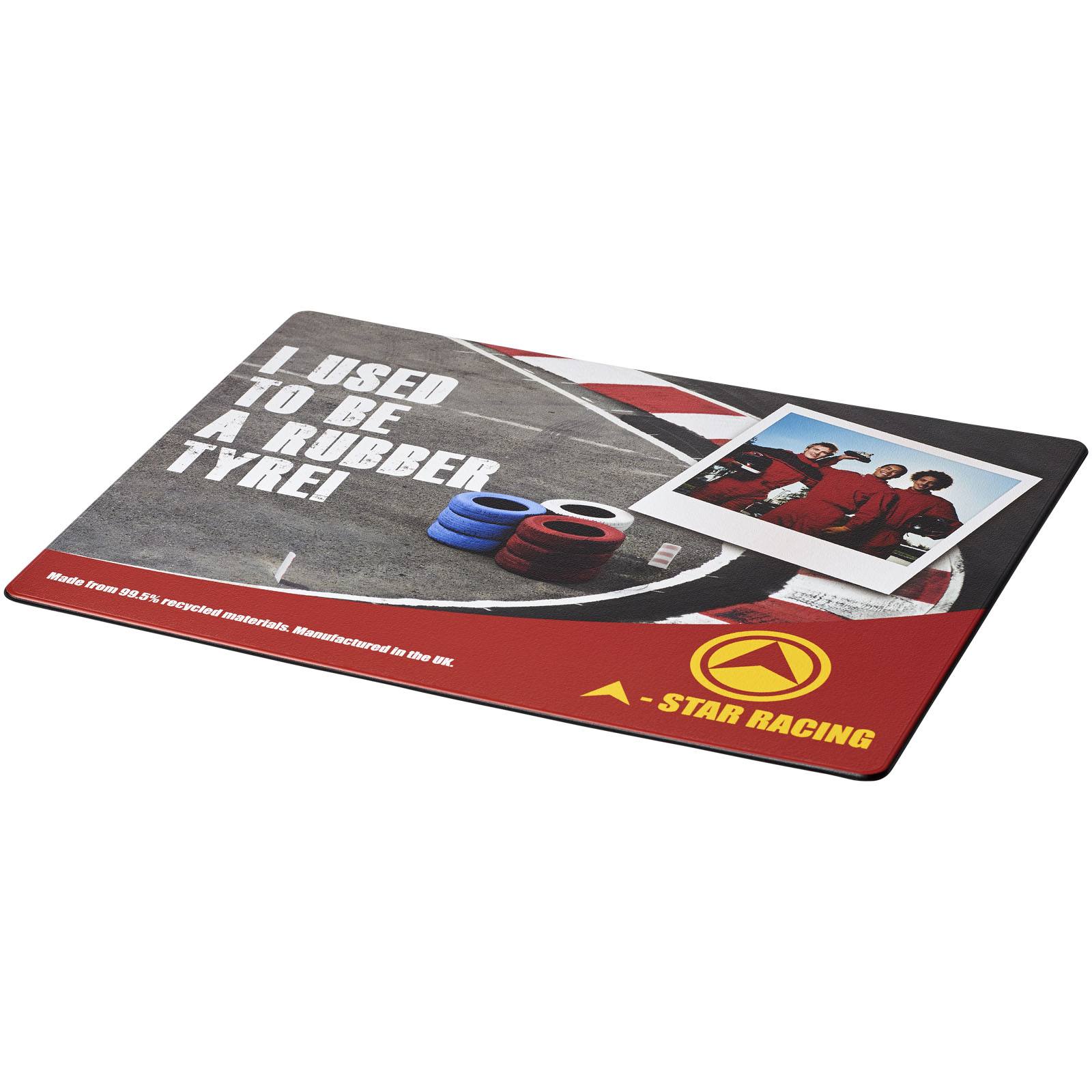
Branded mouse mats are one of the few promotional gifts that stay on the desk all year round. They are printed in full colour, so the design can cover the whole surface or be kept to a small logo in one corner.
Some models from the catalogue
See Computer Accessories in the catalogue Essential
 Essential
 Plus
Plus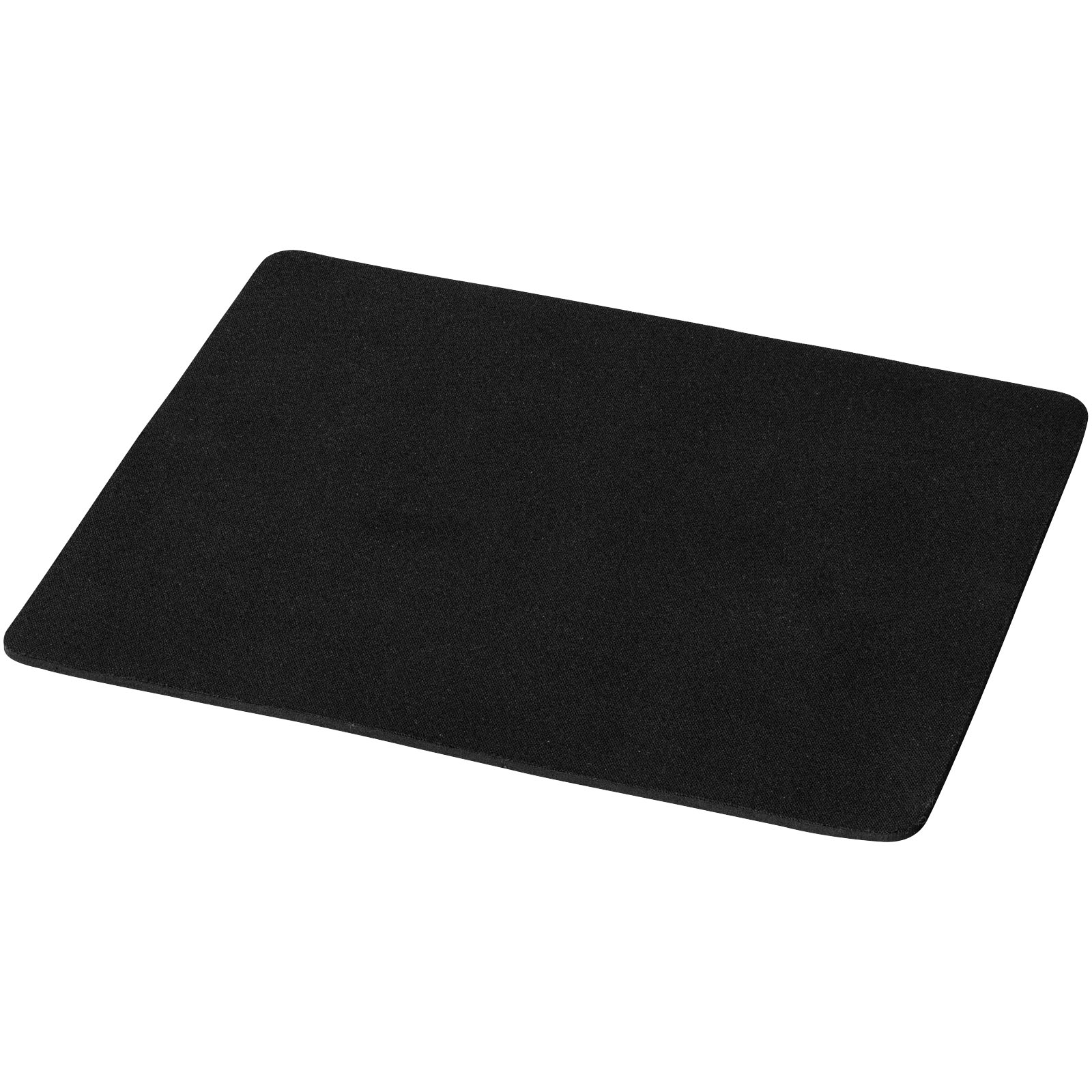 Essential
 Premium
 Essential
 Essential
 Plus
PlusA flat surface that stays in view all day
Branded mouse mats bring together three advantages that few promotional products offer at once: they are flat, they can be printed in full colour, and they stay in the user's field of view throughout the working day. There is no drawer to hide them in and, as there are no sizes to worry about, they work just as well in the office as for people working from home.
That is why they work well for technical teams, new starter onboarding and trade shows, where visitors take away something they will genuinely use. The design gives you more freedom than almost any other format: a background in your brand colour, a pattern, an illustration or a photograph. The models on this page include custom mouse pads, mouse mats and other computer accessories from the catalogue, and each product page shows its price with branding included.
Formats: which one to choose
Most combine a non-slip rubber base with a fabric surface, which is the part that allows full-colour printing and stands up to the mouse rubbing over it every day.
| Format | Approximate size | Best for | Personalisation |
|---|---|---|---|
| Standard mouse mat | Around 24 × 19 cm | Everyday use, event giveaways, welcome packs | Full-colour print across the whole surface |
| Slim or flexible mouse mat | Similar to the standard size, but thinner | Laptops and travel: fits inside a laptop sleeve | Full-colour print |
| A3 desk mat | About 42 × 30 cm | Compact keyboard and mouse | Full colour, with edge-to-edge design |
| A2 desk mat | About 59 × 42 cm | Full workstation: keyboard, mouse and papers | Full colour; the larger size shows off an illustration |
| Gaming mat with LED lighting | Depends on the model | Technical or design teams, gaming events | Full colour; the lighting sits around the edge |
| With wireless charging | Depends on the model | Desks where the phone is always placed in the same spot | Laser engraving or printing, depending on the material |
Exact sizes, materials and print area are shown on each product page.
Design: what works and what does not
As the print is full colour, you can use gradients or photographs without being limited to one or two inks, so it is tempting to fill the whole mat. That works if the design feels calm: a background in your brand colour with a small logo in one corner ages better than a busy layout competing with the screen. On large desk mats, keep the central area clear, where the keyboard and mouse will sit, and move graphic elements towards the edges.
Prepare the file at full size, with print resolution and a few millimetres of bleed if the design runs to the edge. Ideally the logo should be in vector format (SVG, AI or PDF); if you only have PNG or JPG, we will check it and tell you whether it is good enough quality. You will see all of this in the free mock-up before you pay. If the team works across several countries, a design without text, using only the symbol and brand colour, works equally well for every office.
What can be personalised
- The whole surface, with a background, pattern, illustration or photograph, or just a logo on a plain background.
- The format: mouse mat, slim version for carrying with a laptop, or a large desk mat for the whole workstation.
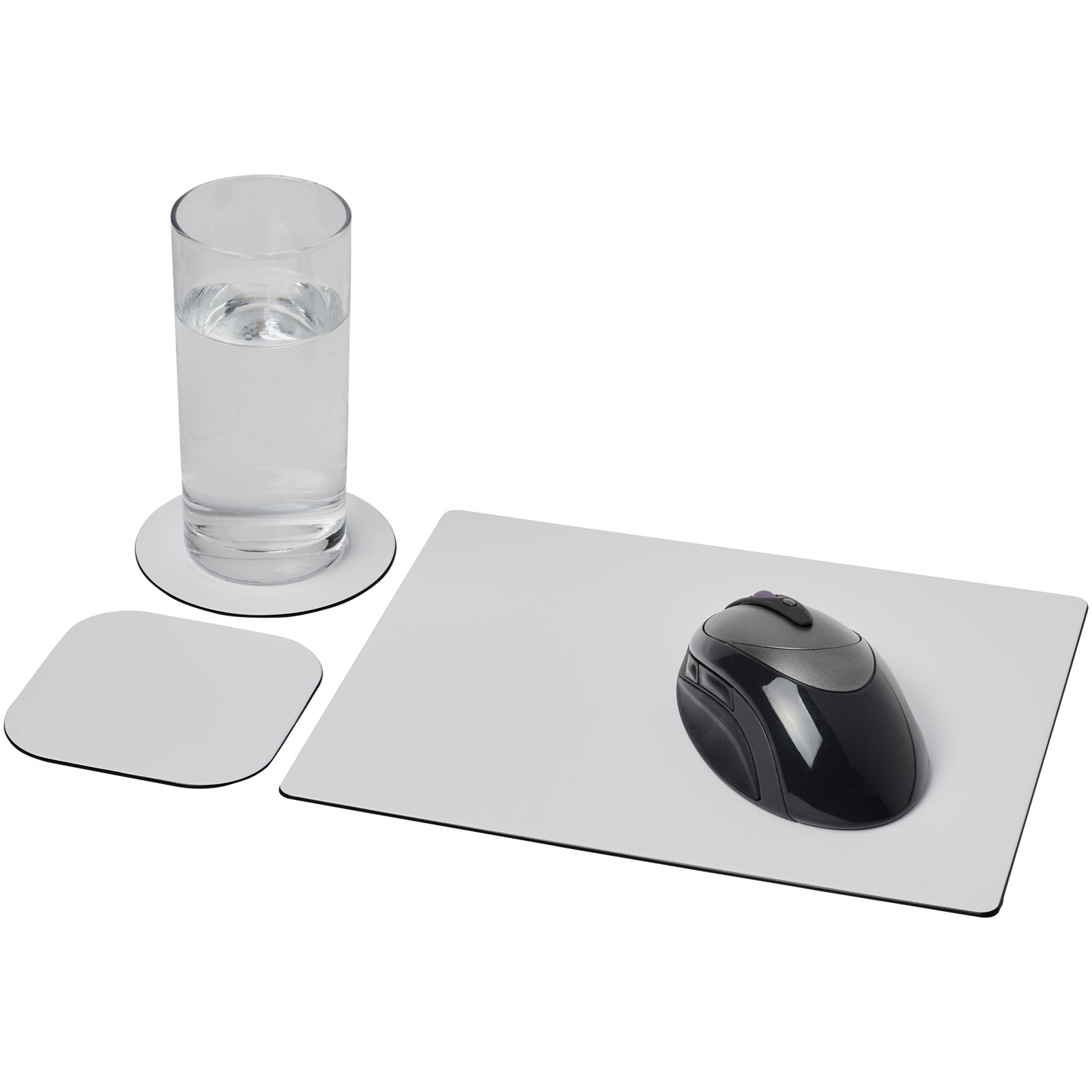
- The set: some models are sold with matching coasters, printed with the same design.
- If you need a size, shape or material you cannot see in the list, tell us in the quote request with the quantity and date, and we will tell you what can be done.
How ordering works
Choose the model, upload your design and within 24 working hours you will receive the quote and free mock-up, with the design placed on the mouse mat. You only pay when you approve it, and production normally takes two or three weeks from that point. The minimum order is 10 units per model and CZK 2,444 per quote, excluding VAT and delivery. You can see the full process in how it works.
We ship with tracking to one address or split across several locations, throughout the European Union: if you need a split delivery, tell us when requesting the quote how many are going to each site. If the print arrives faulty or does not match the approved mock-up, we will remake it at no extra cost.
What to pair them with
In a desk set, the mouse mat is the base that everything else sits on: a notebook and pen from the same branded stationery range, or a wireless charger with your logo if the team keeps a phone on the desk. For trade shows with wide distribution, the standard mouse mat is one of the options visitors do take home. If you want a ready-made welcome pack assembled and sent to each person, Pekata handles that with its Pekata welcome pack.
FAQ
Frequently asked questions about Branded mouse mats with your logo
If yours is not here, write to us. People answer, not an automatic form.
What size is a standard mouse mat?
What is a desk mat?
What resolution does mouse mat artwork need?
Can you print a photo on a mouse mat?
How do you clean a custom mouse mat?
Are there mouse mats with wireless phone charging?
Order your mouse mats with your design
Tell us the format, quantity and date, and attach your logo or design. Within 24 working hours you will receive the quote and free mock-up.
Request a quote